


The most important software decision your business will make this year
Almost every modern business runs on one of two ecosystems: Google Workspace or Microsoft 365. Email, documents, video calls, file storage, team chat: these two platforms cover all of it. Yet most businesses end up on one almost by accident. They followed what their first employee already used, or defaulted to what their accountant recommended.
That default can cost you thousands per year and quietly limit how your team works. This guide breaks down every dimension (products, pricing, security, and which platform actually fits different business types) so you can make the decision deliberately.
The full product lineup: what you actually get
Before comparing costs, it helps to see exactly what each platform includes at a glance.
| Category | Microsoft 365 | Google Workspace |
|---|---|---|
| Outlook | Gmail | |
| Video calls | Microsoft Teams | Google Meet |
| Team chat | Teams (channels) | Google Chat + Spaces |
| Documents | Word | Google Docs |
| Spreadsheets | Excel | Google Sheets |
| Presentations | PowerPoint | Google Slides |
| File storage | OneDrive (1TB/user) | Google Drive (pooled) |
| Calendar | Outlook Calendar | Google Calendar |
| Project management | Planner + Project | Google Tasks (basic) |
| AI assistant | Copilot (add-on) | Gemini (included) |
Source: Microsoft 365 and Google Workspace official product pages, September 2026.
Pricing: what you actually pay
This is where many businesses get caught out. Both platforms have multiple tiers, and the price jumps between them are significant. Here's the honest monthly cost per user for Australian businesses (AUD, billed annually).
Prices converted from USD at Sep 2026 rates. Microsoft 365 pricing from microsoft.com/en-au. Google Workspace pricing from workspace.google.com/intl/en_au.
What the tiers actually include
Microsoft 365 Business Basic ($9.40/user/month): Web and mobile Office apps only, no desktop installs. Exchange email, Teams, 1TB OneDrive. Fine for basic email but limits heavy Office users.
Microsoft 365 Business Standard ($18.90/user/month): Desktop Office apps (Word, Excel, PowerPoint, Outlook installed on up to 5 devices), Teams with webinar hosting, SharePoint. The sweet spot for most SMBs.
Microsoft 365 Business Premium ($32.40/user/month): Everything above plus advanced security (Defender for Business, Intune device management, Azure AD Premium). Essential for businesses handling sensitive data.
Google Workspace Business Starter ($10.80/user/month): Gmail with custom domain, Meet (100 participants), Drive with pooled 30GB per user, Docs/Sheets/Slides. Enough for many small teams.
Google Workspace Business Standard ($21.60/user/month): Meet up to 150 participants with recording, Drive with 2TB pooled per user, noise cancellation, enhanced admin controls. Best value tier for growing teams.
Google Workspace Business Plus ($32.40/user/month): Meet with 500 participants and attendance tracking, eDiscovery and audit, 5TB pooled per user. Aimed at larger or compliance-sensitive businesses.
Collaboration: where they truly differ
This is the biggest practical difference between the two ecosystems, and it comes down to philosophy.

Google's approach: Everything lives in the browser. Docs, Sheets, and Slides are native web apps with real-time co-editing built in from day one. You see collaborators' cursors, changes save automatically, and nothing breaks when two people edit at once. The friction is near zero.
Microsoft's approach: Office apps are desktop-first, ported to the web. Co-editing works, but it can feel clunkier than Google's. However, the desktop apps are dramatically more powerful, particularly Excel and Word for complex formatting and advanced formulas. SharePoint provides deeper document management than Drive.
Ratings based on Gartner Peer Insights, G2 user reviews, and TechRepublic analysis, 2025-2026.
Teams vs Meet: the video call decision
Microsoft Teams is a full collaboration hub: channels, chat, calls, file sharing, tabs, and app integrations all in one place. It can replace Slack, Zoom, and some project management tools. The downside is complexity: Teams has a steep learning curve and a cluttered interface that many users find overwhelming.
Google Meet prioritises simplicity. You start a call from Calendar or Gmail in two clicks. The interface is clean, hardware requirements are lighter, and the integration with Google Calendar makes scheduling frictionless. For external client calls, Meet's no-download web client is a significant advantage.
You want a single hub replacing Slack, Zoom, and email threads. Teams channels keep project conversations, files, and calls in one searchable place.
You have frequent external client calls, a non-technical team, or want video that just works without software installs or account requirements for guests.

Security: the honest comparison

Security is where Microsoft traditionally wins on paper but the gap has closed considerably.
| Security Feature | Microsoft 365 | Google Workspace |
|---|---|---|
| Multi-factor authentication | All plans | All plans |
| SSO / SAML | Business Basic+ | Business Starter+ |
| Mobile device management | Business Premium only | Business Starter+ |
| Advanced threat protection | Business Premium only | Business Standard+ |
| Data loss prevention | Business Premium only | Business Plus+ |
| eDiscovery / audit logs | Business Premium only | Business Plus+ |
| Zero-trust / Conditional Access | Business Premium only | Enterprise only |
Source: Microsoft 365 service descriptions and Google Workspace admin feature matrix, 2026. Green = included at that tier, amber = requires upgrade.
Advanced security like Defender, Intune MDM, and Conditional Access are locked behind Business Premium at $32.40/user. On Business Standard you have email, docs, and Teams but relatively thin security controls.
Google includes mobile device management and context-aware access from Business Starter. For regulated industries that can't afford Business Premium, Google offers better security per dollar at the mid-tier.
Compliance certifications
Both platforms hold ISO 27001, SOC 2 Type II, and are GDPR compliant. Microsoft holds more compliance certifications overall (including FedRAMP, HIPAA Business Associate Agreement, and IRAP Protected for Australian government), making it the default choice for heavily regulated sectors like healthcare, government, and financial services at enterprise scale.
For most Australian SMBs operating under the Privacy Act and the Australian Privacy Principles, both platforms provide adequate compliance coverage at their mid-tier plans.
Email: Outlook vs Gmail
Outlook is powerful for managing large email volumes. Rules, categories, focused inbox, and calendar integration are deep. It handles complex email workflows well and is the preference of most corporate users who manage hundreds of emails per day. The desktop app is still materially better than the web version.
Gmail is faster to learn, better on mobile, and integrates beautifully with Google Calendar, Meet, and Docs. Labels and filters behave differently from Outlook folders, which can confuse switchers initially. For teams that live on mobile and value speed over complexity, Gmail consistently wins in user satisfaction surveys.
Source: G2 Reviews (n=4,200+) and Gartner Peer Insights (n=1,800+), aggregated 2025-2026.
Which business type should choose which
This is the most useful part of the guide. Not every business has the same needs.
Lower entry cost, faster onboarding, better mobile experience, and Gemini AI included. Google's simplicity means less IT overhead and quicker team adoption. Start on Business Starter ($10.80/user).
Law firms, accountants, and consultants producing complex Word and Excel documents daily need desktop Office apps. The formatting fidelity and advanced Excel features are non-negotiable. Business Standard ($18.90/user) covers most needs.
Real-time collaboration on briefs, proposals, and decks is central to agency work. Google's superior co-editing and frictionless sharing with external clients makes it the natural fit. Business Standard ($21.60/user) adds recording for client calls.
Compliance certifications, eDiscovery, legal hold, and advanced data governance are critical. Microsoft Business Premium or enterprise plans provide the compliance posture these industries require under Australian law.
Light on IT, heavy on collaboration and customer communication. Gmail's mobile experience and Google Workspace's integration with Google Analytics, Ads, and Merchant Center creates a coherent ecosystem for retail operations.
Teams works well for site-to-office communication, Planner handles job scheduling, and SharePoint manages documents across projects. The offline capability in desktop Office is valuable for sites with poor connectivity.
Industry adoption: who uses what
Source: IDC Business Technology Survey 2025, Okta Business at Work Report 2025.
Switching: what it actually costs
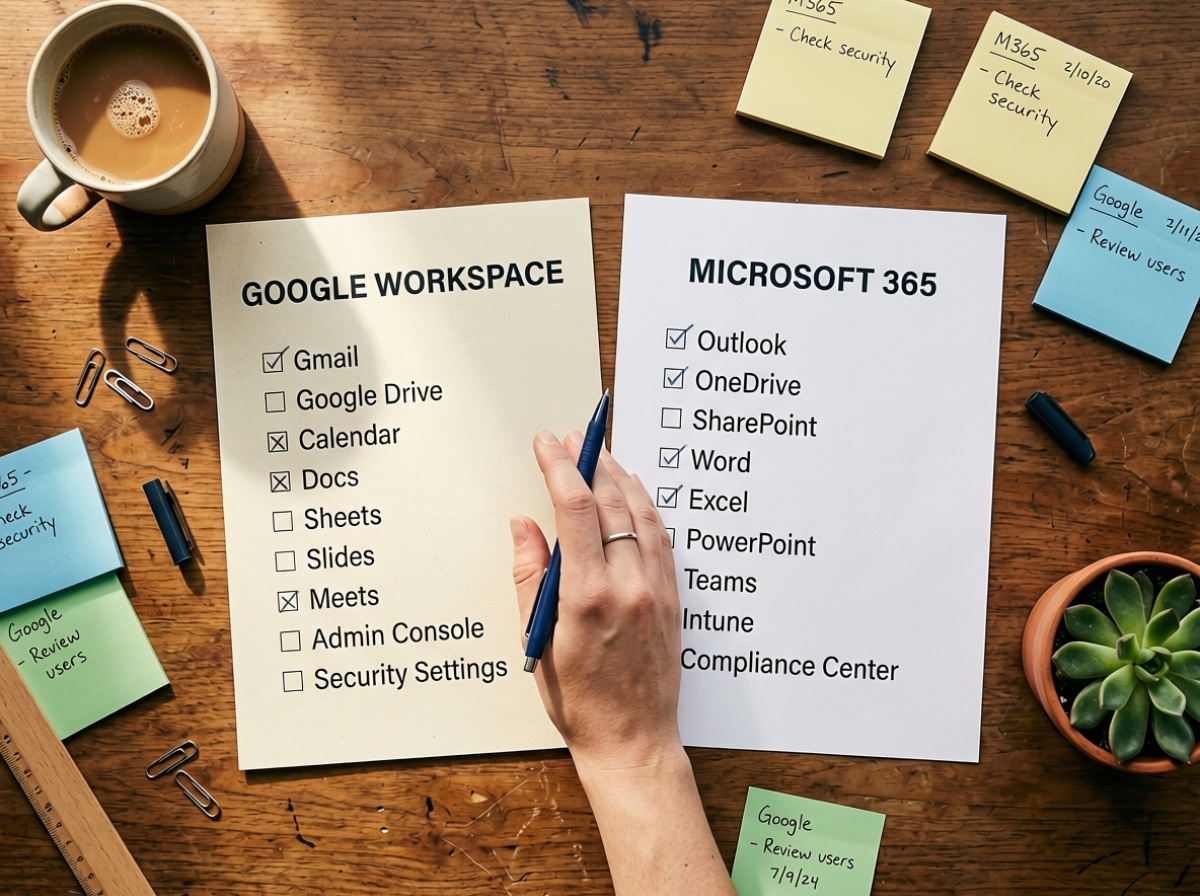
Before choosing to migrate, factor in these real costs.
Questions to answer before migrating platforms
The verdict
Neither platform is universally better. The right choice depends on what your team actually does each day.
Choose Google Workspace if your team is small (under 50), does most work in a browser, values collaboration speed over document complexity, has frequent external calls, or wants Gemini AI without paying extra.
Choose Microsoft 365 if your team produces complex Word and Excel documents, operates in a regulated industry, needs enterprise-grade security controls, uses on-premise systems that integrate with Active Directory, or if most of your clients and suppliers are already on Microsoft.
The honest middle ground: many businesses run both. Gmail for team communication and light documents, Microsoft 365 for the accountant using Excel and the team managing contracts in Word. Licensing both at the entry tier costs around $20/user/month and covers most scenarios without forcing either ecosystem.
Sources
- Microsoft 365 for Business pricing and features: microsoft.com/en-au/microsoft-365/business/compare-all-plans
- Google Workspace pricing and features: workspace.google.com/intl/en_au/pricing.html
- Okta Business at Work Report 2025: okta.com/uk/businesses-at-work/2025
- IDC Business Technology Survey 2025: idc.com/getdoc.jsp?containerId=US52291025
- Gartner Peer Insights, Microsoft 365 vs Google Workspace: gartner.com/reviews/market/content-collaboration-platforms
- G2 Reviews, Gmail vs Outlook: g2.com/compare/gmail-vs-microsoft-outlook
- Microsoft 365 Security and Compliance: microsoft.com/en-us/microsoft-365/business/microsoft-365-business-premium
- Google Workspace Security Whitepaper: workspace.google.com/learn-more/security/security-whitepaper/page-1.html
- Statista, Productivity Software Market Revenue: statista.com/statistics/1002280/worldwide-office-suite-revenue
Need help with your website?
We help Australian small businesses build websites that actually work. No jargon, no fluff.
Book a Free Discovery Call Back to Blog